Fake calendar invites hit thousands of businesses in Microsoft credentials phishing campaign
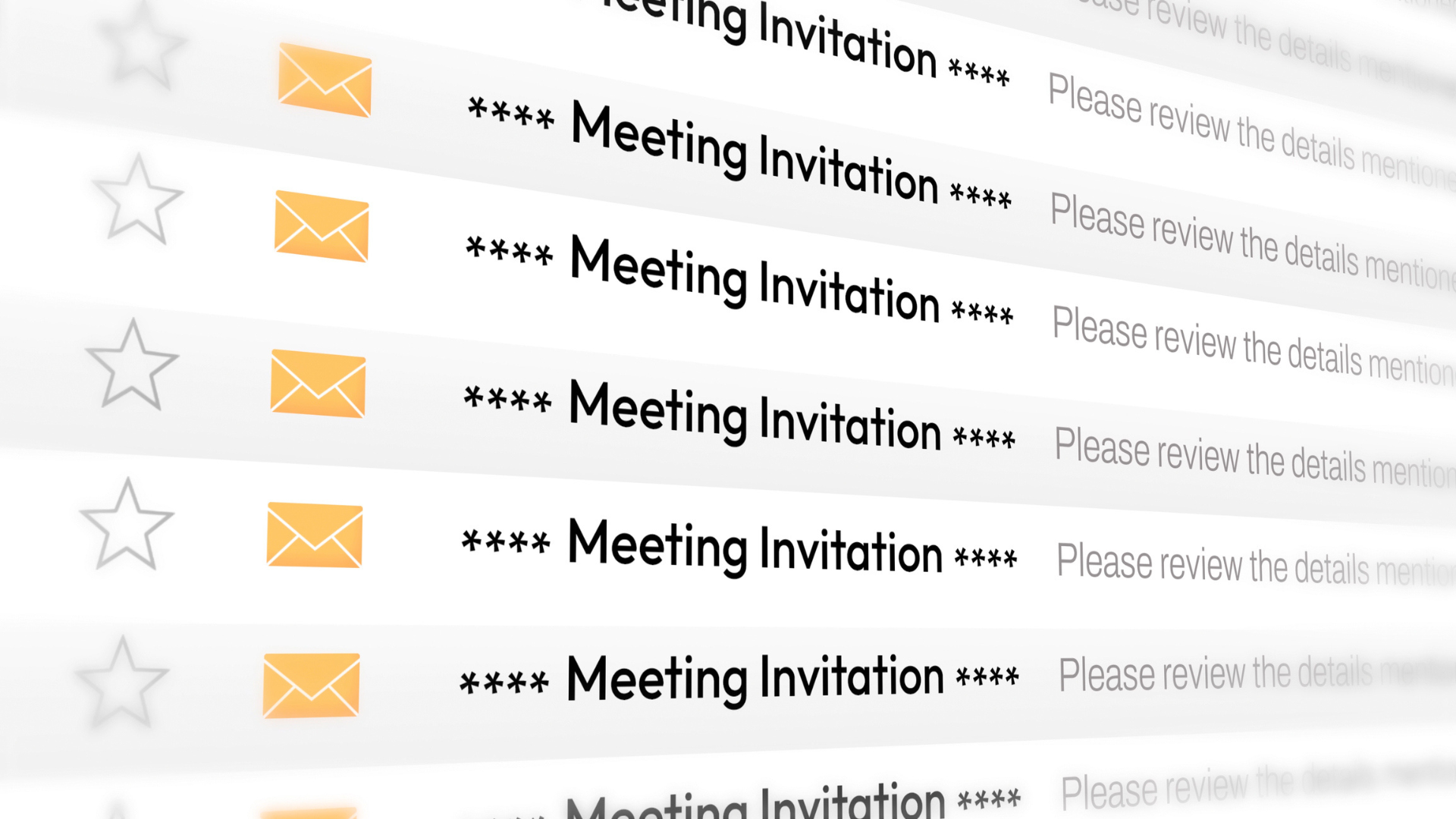
- Phishing campaigns abuse calendar invites and meeting requests to steal Microsoft 365 credentials
- Attackers hide malicious links in .ics files, fake meeting details, QR codes and invitation pages
- Researchers observed hundreds of thousands of phishing emails targeting more than 40,000 organizations.
If you receive a calendar invite in your inbox, be careful: It could be a carefully crafted phishing lure designed to get you to hand over Microsoft 365 or other login credentials.
Security firm Check Point Research (CPR) recently sounded the alarm about “several large-scale phishing campaigns,” abusing the fact that entrepreneurs routinely share calendar invites, all of which are designed to harvest their victims’ credentials.
Different approach, same result
CPR says it identified two separate approaches. In some cases, threat actors would share calendar invites as .ics attachments. These pass email filters (since the file type itself is harmless) and land directly in people’s inboxes. In other cases, the invitations would arrive as links (which end up redirecting the victim out of their calendar and directly into a trap).
Latest videos ofTechnologyRadar
The former is arguably more dangerous: the attachment is disguised as a meeting request or payment notification, and when the recipient opens or accepts the invitation, it ends up on their calendar. Sometimes, depending on each user’s settings, the calendar entry may also be processed automatically. In both cases, the fraudulent content now looks like a normal work appointment or service notification.
So far, none of these things are malicious or dangerous on their own. No vulnerabilities are exploited or malware is deployed here. However, the event description, location field, or embedded QR code can direct the victim to a fake Microsoft 365 login page or fraudulent payment portal. The victim, unaware that the landing pages were spoofed, may end up sharing their login credentials or payment information with the attackers.
This latter approach is easier to implement, but is arguably more difficult to achieve. A link placed directly in the email, even if it seems benign on the surface, can be flagged by email security services and filtered as spam. However, if it happens, victims will find it quite difficult to detect the deception.
In one of the examples shared by CPR, a victim received a fake invitation to a Microsoft Teams meeting and simply hovering over the “join” link revealed their real destination: a credentials harvesting page on a third-party website.
Great campaigns
The campaigns are quite large, CPR stressed, and they are increasing. Hundreds of thousands of these emails are sent every month from countless compromised email addresses:
“Check Point Email researchers are tracking these campaigns and have seen a significant increase as of September 25, 2026,” the report reads.
“A new detection layer designed specifically to identify this type of attack has detected more than 302,386 unique phishing emails among our customers’ emails, sent to more than 40,000 organizations.”
The campaigns average more than 8,300 emails per active day, CPR said, adding that the messages come from more than 33,890 different sender domains and more than 247,270 unique sender addresses.
“Activity is not slowing down, but accelerating. Daily volume increased from a few thousand emails a month in April to more than 118,000 in September, and to more than 740,000 in just the first two weeks of October. The busiest day so far was October 8, with almost 200,000 emails,” the researchers concluded.
Phishing is one of the oldest and most widely used attack vectors, and with good reason. In addition to being ubiquitous, it is the cheapest and most effective way to compromise a target network.
That said, defending against it usually revolves around common sense. Employees should be aware that unsolicited emails carry a real risk of cyber attacks and that any email or instant message that asks the recipient to urgently download a file or log in to a service is most likely an attempted attack.
The best antivirus for all budgets
Follow TechRadar on Google News and add us as a preferred source to receive news, reviews and opinions from our experts in your feeds.









Post Comment